
10 Best AI Tools to Build Websites in 2026 (Compared & Reviewed)
Creating a website used to take days or even weeks. You had to purchase hosting, choose a template, write the content, design every page, and often hire a developer whenever something went wrong.
Things have changed dramatically.
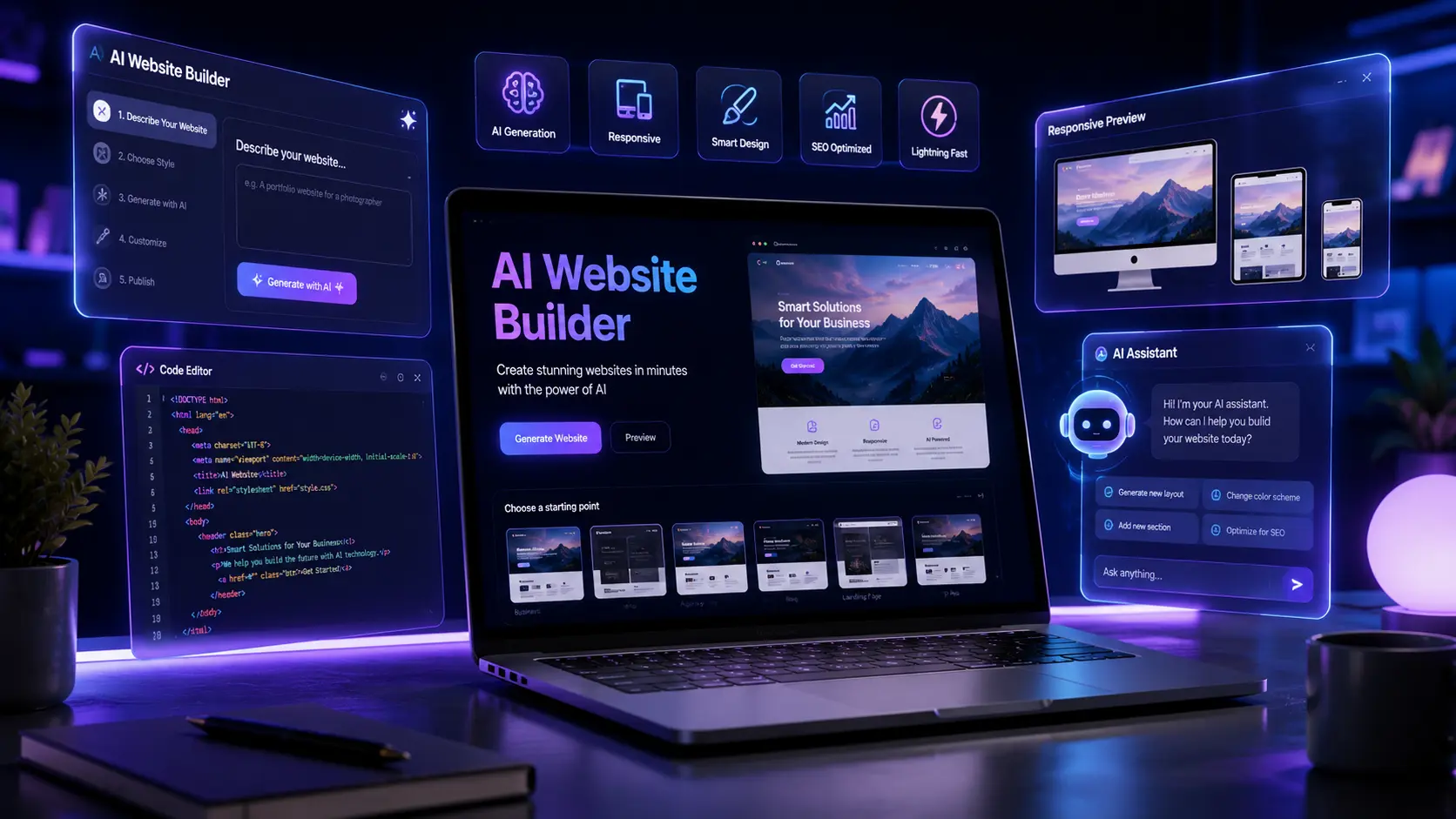
Today, artificial intelligence can generate an entire website from a single prompt. In many cases, AI can also write production-ready code, create images, design responsive layouts, connect databases, integrate APIs, and even deploy your project online.
However, choosing the right AI website builder isn't as simple as it seems.
There are now dozens of AI-powered platforms available, and each one serves a different purpose. Some are designed for beginners who want to launch a business website quickly, while others focus on developers building complete full-stack applications and SaaS products.
After researching the latest AI website builders, comparing their features, pricing, ease of use, flexibility, and real-world capabilities, we've selected the 10 best AI tools to build websites in 2026.
Whether you're a student, freelancer, startup founder, small business owner, entrepreneur, or professional developer, this guide will help you choose the right AI platform for your next project.
What Is an AI Website Builder?
An AI website builder is a platform that uses artificial intelligence to create websites from a simple text prompt or by asking a few questions about your business and goals.
Instead of designing every page manually, AI can automatically generate almost every part of your website, including:
- Website layouts
- Landing pages
- Images and graphics
- Website content
- Navigation menus
- Color schemes
- Responsive designs
- Basic SEO settings
However, in 2026, the meaning of an AI website builder has expanded far beyond creating simple websites.
Modern AI platforms like Emergent, Claude AI, Lovable, Bolt.new, and Replit Agent don't just generate landing pages they can build complete web applications with authentication, databases, dashboards, APIs, and deployment support.
That's why many professionals now prefer the term AI Web Development Platforms instead of simply calling them AI website builders.
Simply Put
- Traditional AI Website Builders help you visually create websites with minimal effort.
- AI Development Platforms generate production-ready code and full-stack web applications.
Both categories are incredibly useful you simply need to choose the platform that best matches your project requirements.
Quick Comparison Table
| Tool | Best For | Coding Required | Free Plan | Starting Price | Overall Rating |
|---|---|---|---|---|---|
| Emergent | Full-Stack Apps & MVPs | No | ✅ | ~$20/month | ⭐ 9.8 |
| Claude AI | Custom Websites & Coding | Basic | ❌ | ~$20/month | ⭐ 9.7 |
| Lovable | Startups & SaaS Apps | No | ✅ | ~$25/month | ⭐ 9.6 |
| Bolt.new | Developers & Rapid Prototypes | Basic | ✅ | ~$20/month | ⭐ 9.5 |
| v0 by Vercel | Modern UI Development | Basic | ✅ | ~$20/month | ⭐ 9.4 |
| Replit Agent | Full-Stack Development | No | ✅ | ~$20/month | ⭐ 9.3 |
| Wix AI | Small Business Websites | No | ✅ | ~$17/month | ⭐ 9.2 |
| Framer AI | Portfolios & Landing Pages | No | ✅ | ~$10/month | ⭐ 9.1 |
| Webflow AI | Professional Websites | Basic | ✅ | ~$14/month | ⭐ 9.0 |
| Hostinger AI | Budget-Friendly Websites | No | Trial | ~$4/month | ⭐ 8.9 |
💡 Quick TipIf you only need a business website, personal portfolio, or landing page, tools like Wix AI, Framer AI, and Hostinger AI are excellent choices.
However, if you're planning to build a startup, SaaS product, AI application, or a custom full-stack web app, platforms like Emergent, Claude AI, Lovable, and Bolt.new provide significantly more flexibility and development capabilities.
Top 10 AI Tools to Build Websites in 2026
1. Emergent Best Overall AI Platform for Building Full-Stack Web Apps
Overall Rating: ⭐ 9.8/10
If you're looking for an AI tool that can transform an idea into a fully functional web application, Emergent is one of the strongest choices available in 2026.
Unlike traditional website builders that mainly generate landing pages and templates, Emergent focuses on creating complete applications. Simply describe your project in plain English, and it can generate the frontend, backend, database structure, authentication, APIs, and even assist with deployment.
This makes it an excellent platform for startups, SaaS founders, and businesses that want to launch an MVP quickly without spending months on development.
Key Features
- AI-powered full-stack development
- Multi-agent architecture
- Authentication and database support
- Prompt-based editing
- One-click deployment
- Modern UI generation
Pros
- ✔ Builds complete web applications instead of simple landing pages
- ✔ Beginner-friendly interface
- ✔ Rapid MVP development
- ✔ Excellent for startups and SaaS founders
Cons
- ✘ Credit-based pricing may become expensive for larger projects
- ✘ Advanced customization still benefits from development experience
Best For
- Startup founders
- SaaS MVPs
- Internal business tools
- Dashboards
- AI-powered applications
Starting Price
Around $20/month
Why Choose Emergent?If your goal is building a real software product instead of a simple website, Emergent delivers one of the best AI development experiences available today.
2. Claude AI Best for Custom Website Development
Overall Rating: ⭐ 9.7/10
Claude AI has become one of the most popular AI coding assistants among developers and creators. Although it isn't a traditional website builder, it can generate clean HTML, CSS, JavaScript, React, Next.js, and many other frameworks from simple prompts.
One of Claude's biggest strengths is the quality of its code. Rather than relying on fixed templates, it creates websites tailored to your requirements, giving you complete ownership of the final project.
Whether you're building a portfolio, business website, dashboard, or even a complete SaaS interface, Claude AI can significantly reduce development time.
Key Features
- High-quality code generation
- HTML, CSS, and JavaScript support
- React & Next.js development
- Debugging assistance
- UI improvements
- SEO-friendly code structure
Pros
- ✔ Clean and readable code
- ✔ Highly customizable
- ✔ Excellent explanations
- ✔ Perfect for developers and learners
Cons
- ✘ Requires separate hosting
- ✘ Not a one-click website builder
Best For
- Developers
- Students learning web development
- Freelancers
- Custom business websites
Starting Price
Around $20/month (Claude Pro)
Why Choose Claude AI?Choose Claude AI if you want complete control over your website instead of being limited by templates or drag-and-drop builders.
3. Lovable Best AI Builder for Startups
Overall Rating: ⭐ 9.6/10
Lovable has quickly become one of the most talked-about AI development platforms because it allows users to build complete web applications with almost no coding experience.
Describe your idea in plain English, and Lovable generates the interface, backend logic, authentication system, and database integration. It also integrates with GitHub and Supabase, making future development much easier.
Many startup founders use Lovable to validate product ideas before investing in a full development team.
Key Features
- Prompt-to-App generation
- Full-stack development
- Supabase integration
- GitHub synchronization
- Fast deployment
- AI-powered editing
Pros
- ✔ Perfect for MVP development
- ✔ Beginner-friendly interface
- ✔ Beautiful UI generation
- ✔ Saves weeks of development
Cons
- ✘ Credit usage increases on larger projects
- ✘ Less flexibility than manual coding
Best For
- Startup founders
- Entrepreneurs
- SaaS products
- Internal business tools
Starting Price
Around $25/month
Why Choose Lovable?If speed matters more than writing every line of code yourself, Lovable is one of the fastest ways to launch a professional web application.
4. Bolt.new Best AI Coding Workspace
Overall Rating: ⭐ 9.5/10
Bolt.new combines AI coding with an online development environment, allowing you to build websites directly inside your browser.
Instead of installing software or configuring development tools, you simply describe your project and Bolt generates it instantly.
Since you receive editable source code, developers can continue improving the project without rebuilding everything from scratch.
Key Features
- Browser-based development
- AI code generation
- Multiple framework support
- GitHub integration
- Live preview
- Instant editing
Pros
- ✔ No software installation required
- ✔ Full source code ownership
- ✔ Rapid prototyping
- ✔ Excellent developer workflow
Cons
- ✘ Hosting must be managed separately
- ✘ Better suited for technical users
Best For
- Developers
- Agencies
- Freelancers
- Startup teams
Starting Price
Around $20/month
Why Choose Bolt.new?Bolt.new offers one of the quickest ways to transform an idea into a working prototype without setting up a local development environment.
5. v0 by Vercel Best AI Tool for Modern UI Design
Overall Rating: ⭐ 9.4/10
If your biggest challenge is designing modern user interfaces, v0 by Vercel is one of the smartest AI tools available today.
Rather than generating complete websites, v0 specializes in producing production-ready UI components from text prompts or reference images. It works exceptionally well for React and Next.js projects.
Many professional developers use v0 to speed up interface design while maintaining clean, production-quality code.
Key Features
- Prompt-to-UI generation
- Image-to-code support
- React components
- Next.js integration
- Tailwind CSS support
- Production-ready layouts
Pros
- ✔ Beautiful modern UI generation
- ✔ Excellent code quality
- ✔ Perfect for React projects
- ✔ Saves significant design time
Cons
- ✘ Doesn't generate complete backend applications
- ✘ Best suited for frontend developers
Best For
- Frontend developers
- UI designers
- React developers
- SaaS dashboards
Starting Price
Around $20/month
Why Choose v0?If your priority is building beautiful, responsive user interfaces quickly, v0 is one of the best AI design assistants available in 2026.
Quick Summary (Top 5)
| Tool | Best Choice For | Rating |
|---|---|---|
| Emergent | Full-Stack Apps & MVPs | ⭐ 9.8 |
| Claude AI | Custom Website Development | ⭐ 9.7 |
| Lovable | Startup & SaaS Products | ⭐ 9.6 |
| Bolt.new | AI Coding Workspace | ⭐ 9.5 |
| v0 by Vercel | Modern UI Development | ⭐ 9.4 |
6. Replit Agent Best All-in-One AI Development Platform
Overall Rating: ⭐ 9.3/10
Replit has evolved from a browser-based code editor into a complete AI development platform. Its Replit Agent understands natural language instructions, generates code, fixes bugs, installs dependencies, and deploys applications all without requiring you to switch between multiple tools.
Unlike many AI coding assistants, Replit combines coding, testing, hosting, and deployment into one cloud-based workspace. This makes it an excellent choice for students, solo developers, and startup teams looking for a streamlined development workflow.
Key Features
- AI-powered coding assistant
- Cloud-based development environment
- One-click deployment
- Built-in hosting
- Automatic debugging
- Team collaboration
Pros
- ✔ Complete development workflow in one platform
- ✔ No local setup required
- ✔ AI identifies and fixes coding issues
- ✔ Easy deployment for web projects
Cons
- ✘ Resource-heavy projects may consume credits faster
- ✘ Less flexibility than a fully local development environment
Best For
- Students
- Developers
- Startup founders
- SaaS applications
Starting Price
Approximately $20/month
Why Choose Replit Agent?Choose Replit Agent if you want to build, test, and deploy applications from a single AI-powered platform without worrying about development setup or server configuration.
7. Wix AI Best AI Website Builder for Beginners
Overall Rating: ⭐ 9.2/10
Wix remains one of the easiest platforms for creating professional websites. Its latest AI features generate an entire website after asking a few simple questions about your business, industry, and design preferences.
Once the website is generated, you can continue customizing it with Wix's drag-and-drop editor without writing a single line of code. Hosting, security, and SEO tools are also included.
Key Features
- AI website generation
- Drag-and-drop editor
- AI content writer
- AI image generation
- Built-in SEO tools
- E-commerce support
Pros
- ✔ Extremely beginner-friendly
- ✔ Large collection of templates
- ✔ Hosting included
- ✔ Reliable customer support
Cons
- ✘ Limited design freedom compared to custom coding
- ✘ Migrating websites to another platform can be difficult
Best For
- Small businesses
- Personal websites
- Local businesses
- Beginners
Starting Price
Approximately $17/month
Why Choose Wix AI?If your goal is launching a professional business website quickly with minimal effort, Wix AI remains one of the safest and easiest choices.
8. Framer AI Best for Landing Pages and Portfolios
Overall Rating: ⭐ 9.1/10
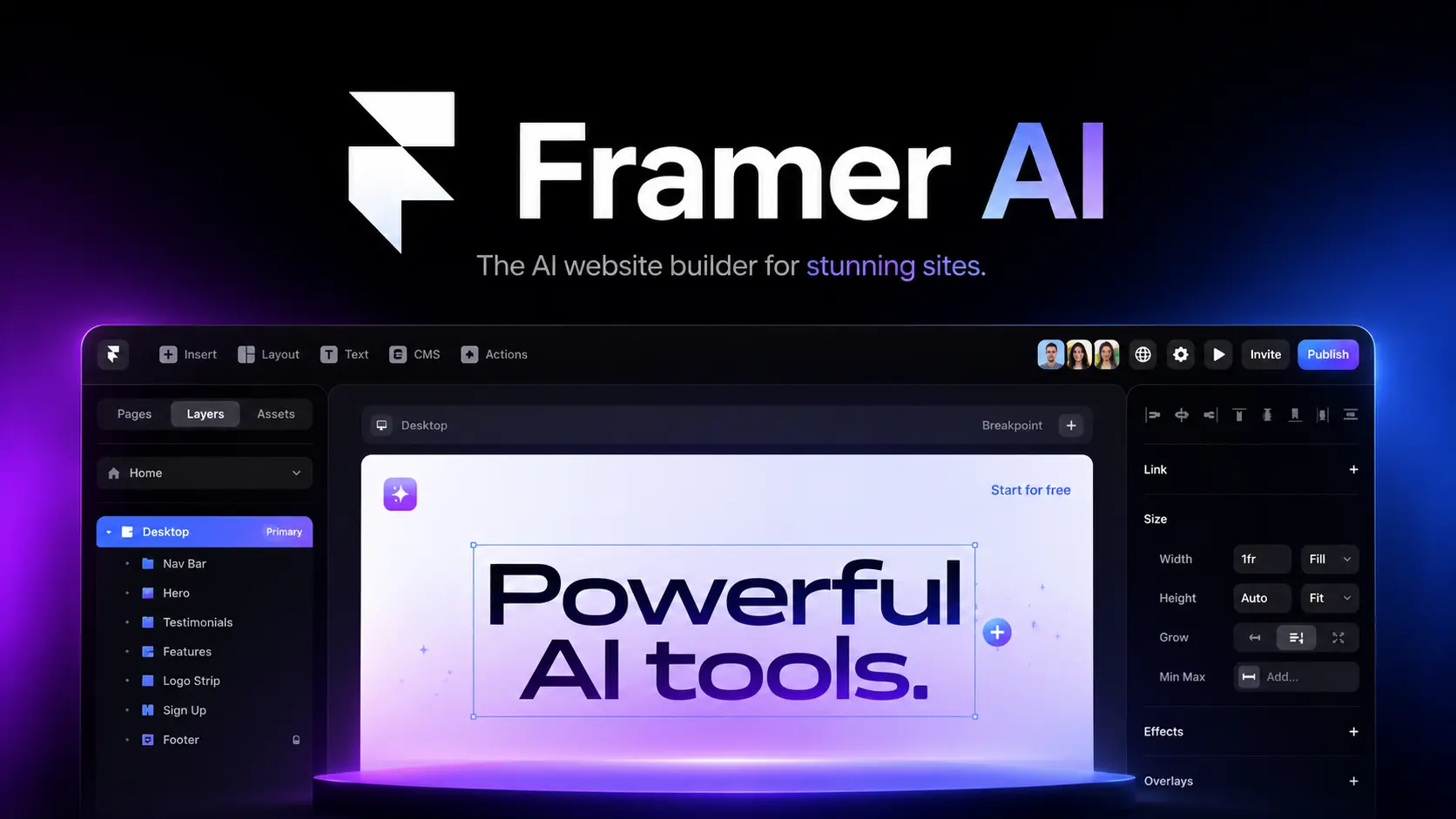
Framer combines AI-powered website generation with a modern visual editor. It is especially popular among designers, freelancers, and startups because it creates responsive websites with clean layouts and polished animations.
Simply describe your idea, generate a page, and fine-tune every section visually within minutes.
Key Features
- AI page generation
- Visual website editor
- Responsive layouts
- Built-in CMS
- SEO optimization
- Modern animations
Pros
- ✔ Excellent visual quality
- ✔ Fast editing experience
- ✔ Responsive by default
- ✔ Great for portfolios and landing pages
Cons
- ✘ Not intended for complex web applications
- ✘ Advanced features require some learning
Best For
- Designers
- Freelancers
- Agencies
- Portfolio websites
Starting Price
Approximately $10/month
Why Choose Framer AI?Framer is an excellent choice if beautiful design and fast publishing matter more than advanced backend functionality.
9. Webflow AI Best for Professional Business Websites
Overall Rating: ⭐ 9.0/10
Webflow is widely used by agencies and businesses that need complete control over website design without building everything from scratch. Its AI features generate layouts, improve content, and accelerate page creation while maintaining Webflow's design flexibility.
The platform is particularly valuable for content-rich websites that require a CMS and long-term scalability.
Key Features
- AI-generated layouts
- Visual editor
- Built-in CMS
- SEO optimization
- Responsive design tools
- Custom interactions
Pros
- ✔ Professional-quality websites
- ✔ Excellent CMS
- ✔ Strong SEO capabilities
- ✔ Highly customizable
Cons
- ✘ More difficult to learn than beginner-focused builders
- ✘ Pricing increases as projects grow
Best For
- Agencies
- Marketing teams
- Business websites
- Content-driven websites
Starting Price
Approximately $14/month
Why Choose Webflow AI?If you need a scalable business website with advanced design flexibility and CMS capabilities, Webflow AI is one of the strongest options available.
10. Hostinger AI Website Builder Best Budget-Friendly Option
Overall Rating: ⭐ 8.9/10
Hostinger offers one of the most affordable AI website builders available today. Along with web hosting, users receive an AI website generator, AI content writer, AI logo creator, and built-in SEO tools.
Although it doesn't offer the advanced AI development capabilities of platforms like Emergent or Claude AI, it delivers excellent value for bloggers, freelancers, and small businesses working within a limited budget.
Key Features
- AI website builder
- AI content writer
- AI logo generator
- Built-in hosting
- SEO tools
- Mobile-friendly templates
Pros
- ✔ Affordable pricing
- ✔ Hosting included
- ✔ Easy setup process
- ✔ Excellent value for beginners
Cons
- ✘ Limited customization options
- ✘ Fewer AI-powered development features
Best For
- Students
- Bloggers
- Small businesses
- Budget-conscious users
Starting Price
Approximately $4/month
Why Choose Hostinger AI?Hostinger AI is a practical choice for anyone who wants to launch a professional website without spending a lot of money.
Feature Comparison Matrix
| Tool | AI Coding | Full-Stack Support | Hosting Included | Beginner Friendly | Best For |
|---|---|---|---|---|---|
| Emergent | Yes | Yes | Yes | High | Startups & MVPs |
| Claude AI | Yes | Yes | No | Medium | Custom Development |
| Lovable | Yes | Yes | Yes | High | SaaS & Startups |
| Bolt.new | Yes | Partial | No | Medium | Rapid Prototyping |
| v0 by Vercel | Yes | No | Yes (Vercel) | Medium | UI Development |
| Replit Agent | Yes | Yes | Yes | High | End-to-End Development |
| Wix AI | Limited | No | Yes | Very High | Business Websites |
| Framer AI | Limited | No | Yes | High | Landing Pages |
| Webflow AI | Partial | No | Yes | Medium | Professional Websites |
| Hostinger AI | Limited | No | Yes | Very High | Budget Websites |
Editor's Recommendation
There isn't a single AI website builder that's perfect for every project. The best choice depends on your goals, technical skills, and budget.
- 🚀 Building a Startup or SaaS? Choose Emergent, Lovable, or Replit Agent.
- 💻 Want complete control over your code? Claude AI and Bolt.new are excellent options.
- 🎨 Need modern user interfaces? v0 by Vercel is one of the best AI UI generators available.
- 🌐 Creating a business website or portfolio? Wix AI, Framer AI, and Webflow AI offer the easiest experience.
- 💰 Working with a limited budget? Hostinger AI provides outstanding value for beginners and small businesses.
Final VerdictAI website builders have evolved far beyond simple drag-and-drop editors. Whether you're launching a personal portfolio, a startup MVP, or a full-stack web application, there's now an AI-powered platform that can dramatically speed up development and help you bring your ideas to life.
Which AI Tool Should You Choose?
The best AI website builder ultimately depends on what you're planning to create. Some platforms are designed for simple business websites, while others can generate complete web applications with authentication, databases, APIs, and deployment support.
To make your decision easier, here's a quick recommendation based on different use cases.
| Use Case | Recommended Tool | Why It Stands Out |
|---|---|---|
| Best Overall | Emergent | Powerful AI-native platform for full-stack web applications. |
| Best for Beginners | Wix AI | Easy to use with no coding required. |
| Best for Students | Hostinger AI | Affordable, beginner-friendly, and includes hosting. |
| Best for Freelancers | Framer AI | Excellent for portfolios and client landing pages. |
| Best for Developers | Claude AI | Generates clean, customizable production-ready code. |
| Best for Startups | Lovable | Quickly builds MVPs and SaaS applications. |
| Best for Rapid Prototyping | Bolt.new | Create and iterate on projects directly in the browser. |
| Best for Professional Business Websites | Webflow AI | Flexible CMS and advanced customization. |
| Best Budget Option | Hostinger AI | Great value with hosting and AI tools included. |
Advantages of AI Website Builders
AI has made website development faster, easier, and more accessible than ever before. Whether you're creating your first portfolio or launching a startup, modern AI tools can save hours or even days of manual work.
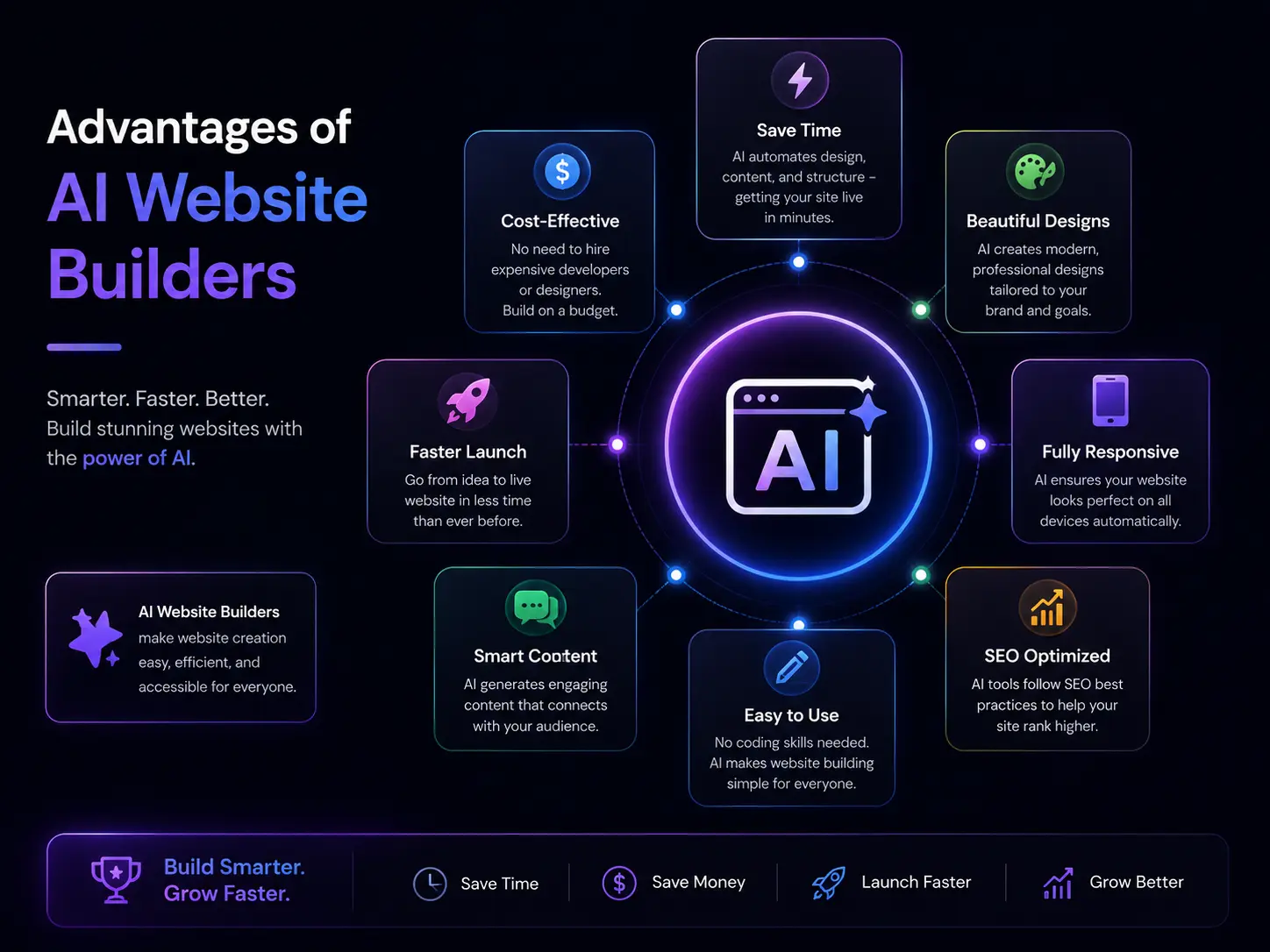
Some of the biggest advantages include:
- 🚀 Build websites in minutes instead of days.
- 🎨 Automatically generate layouts, content, and images.
- 💻 Little to no coding knowledge required for most platforms.
- ⚡ Faster prototyping for startups and developers.
- 🔍 Built-in SEO, hosting, and responsive design on many platforms.
- 💰 Lower development costs for individuals and small businesses.
- ✍ Easy editing using natural language prompts.
Instead of spending hours on repetitive tasks, AI lets you focus on improving your business, product, or content.
Limitations You Should Know
Although AI website builders have improved dramatically over the past few years, they still have limitations. Understanding these before choosing a platform can save time and frustration later.
- AI-generated designs may still require manual customization.
- Some platforms lock users into their own hosting ecosystem.
- Complex applications often require developer expertise.
- Credit-based pricing can become expensive for large projects.
- AI-generated content should always be reviewed before publishing.
- Advanced integrations may require custom coding.
💡 RememberAI is designed to accelerate development not replace careful planning, testing, and quality assurance.
Pro Tips Before Choosing an AI Website Builder
- Decide whether you're building a website or a web application before selecting a platform.
- Start with the free plan or trial to understand the workflow.
- Compare pricing carefully, especially if the platform uses credit-based billing.
- Check whether your code can be exported for future flexibility.
- Always review AI-generated layouts, content, and SEO settings before publishing.
Common Mistakes Beginners Make
Many first-time users select an AI website builder based only on advertisements or pricing. Unfortunately, that often leads to problems later when their project grows.
Avoid these common mistakes:
- ❌ Choosing a platform without understanding project requirements.
- ❌ Ignoring future scalability.
- ❌ Paying for premium plans before testing the free version.
- ❌ Publishing AI-generated content without editing.
- ❌ Forgetting SEO, image optimization, and page speed.
- ❌ Not checking whether code export is supported.
🎯 Expert TipSpending an extra hour researching the right platform can save you weeks of migration work later.
Frequently Asked Questions
1. Which AI tool is best for building websites in 2026?
For full-stack web applications, Emergent is one of the strongest AI-first platforms. If you're creating a traditional business website, Wix AI remains one of the easiest options.
2. Can AI build a complete website without coding?
Yes. Most modern AI website builders can generate layouts, content, images, and responsive pages automatically. AI-native platforms can even create complete full-stack web applications.
3. Is Claude AI a website builder?
Not exactly. Claude AI is an advanced AI coding assistant that generates websites and web applications, but it isn't a drag-and-drop website builder like Wix or Framer.
4. Which AI website builder is best for beginners?
Wix AI and Hostinger AI are excellent beginner-friendly choices because they include hosting, templates, AI assistance, and built-in SEO tools.
5. Which AI platform is best for startups?
Emergent, Lovable, and Replit Agent are among the best choices for startups building MVPs and SaaS products.
6. Are AI website builders free?
Many platforms provide free plans or limited trials. However, premium AI features, custom domains, and higher usage limits usually require a paid subscription.
7. Can I move my website to another platform later?
That depends on the platform. Some AI builders allow code export, while others keep projects within their own ecosystem. Always verify export options before committing to a platform.
Final Verdict
AI website creation has evolved far beyond traditional drag-and-drop builders. Today, you can choose between visual website builders for business websites and powerful AI-native development platforms capable of generating complete full-stack applications.
If you're looking for an all-in-one business website solution, Wix AI is an excellent choice. If you're building a startup or SaaS product, Emergent, Lovable, and Replit Agent provide some of the most powerful AI-assisted development experiences available today.
Developers who want complete control over their code will appreciate Claude AI, Bolt.new, and v0 by Vercel.
Ultimately, the best AI tool isn't necessarily the most popular one it's the one that aligns with your goals, technical skills, and budget.
Conclusion
AI has made website creation faster, easier, and more accessible than ever before. Whether you're building your first portfolio, launching an online business, or developing a production-ready web application, there's an AI tool designed to fit your workflow.
Take advantage of free plans, compare features carefully, and choose a platform that can grow alongside your project. Making the right decision today can save countless hours of development time in the future.
Continue Learning with InfoShalaa
Looking for more AI tools, web development guides, programming tutorials, and beginner-friendly technology content?
Explore more articles on InfoShalaa to stay updated with the latest trends in Artificial Intelligence, Web Development, Programming, Data Science, and emerging technologies.
🚀 Keep learning, keep building, and stay ahead in the AI era.